Mockups at the size you will actually print.
Place artwork on real blanks and packaging at true physical scale. Download a clean mockup in under a minute.
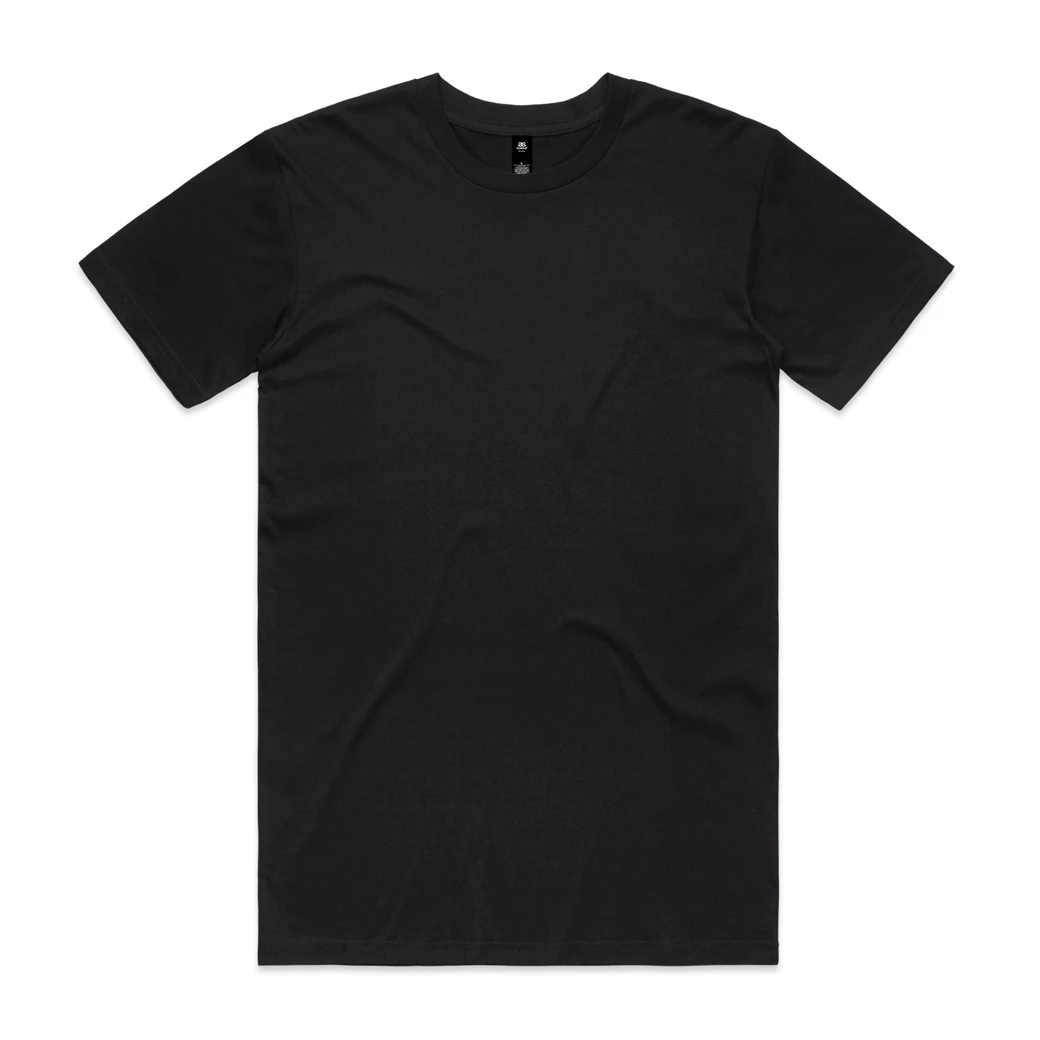
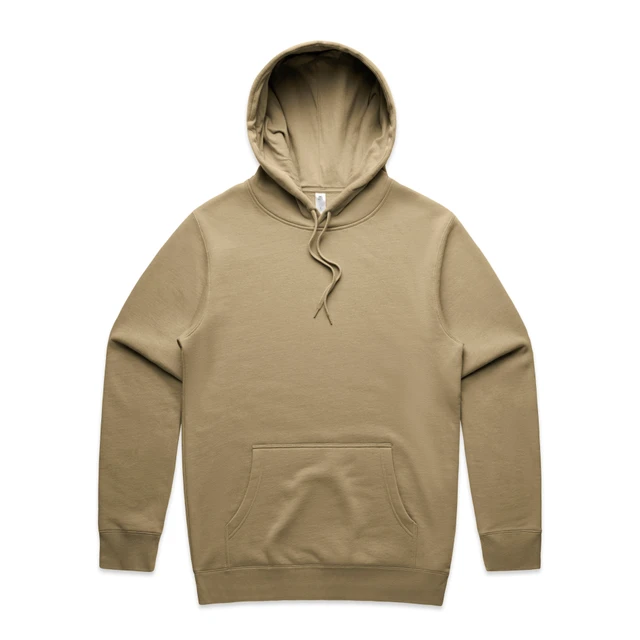
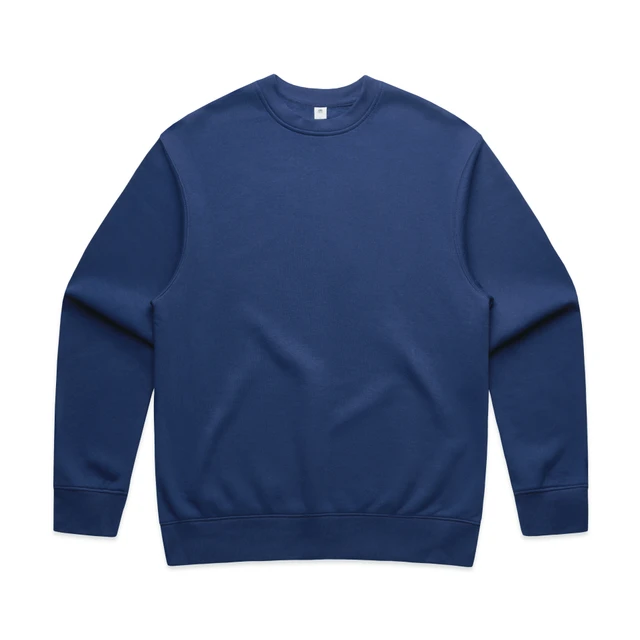
Calibrated blanks from
- Products, apparel and packaging
- 2,510
- Colourways to choose from
- 13,791
- Placement precision
- 1 mm
- Free downloads, no password
- 2,400 px
The problem
Most mockups look right and print wrong.

Logos end up the wrong size
Drag-and-drop templates scale artwork to the photo, not the garment. A 7 cm chest logo looks fine on screen and comes back from the printer twice as big.
Sleeves and backs get skipped
Most mockups only show the front. Customers approve a design without ever seeing the sleeve print or the neck placement.
Photoshop for every request
Smart objects, warp layers and a new file per colour turn a five-minute quote into an afternoon of busywork.
From blank to approved visual in three steps.
Pick a product
Choose a real blank from AS Colour, Stanley/Stella, Craft, Clique, Jobman, Cutter & Buck or THClothes, or a kraft carton. Select the colour and garment size your customer is ordering.
Place your artwork
Drop in a PNG, JPEG or SVG. Start from a preset like Left chest or Large back, then drag or type the exact size in cm, mm or inches.
Download the mockup
Export a clean PNG or JPEG with a white, coloured or transparent background, or a PDF spec sheet with sizes and positions.
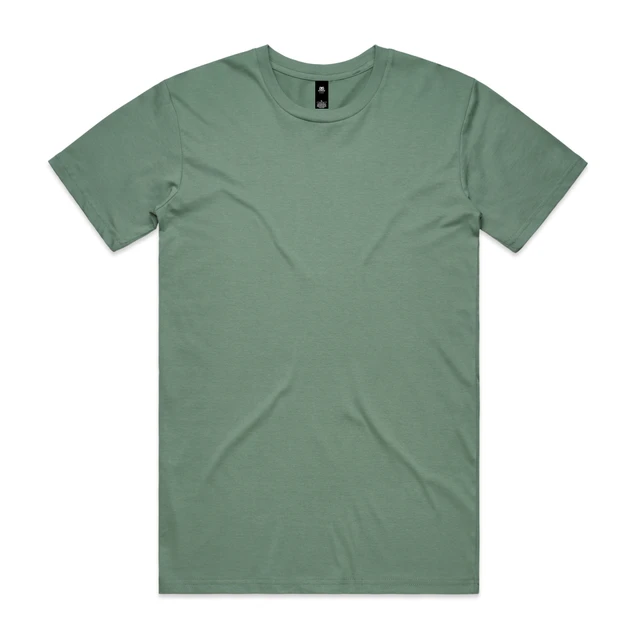
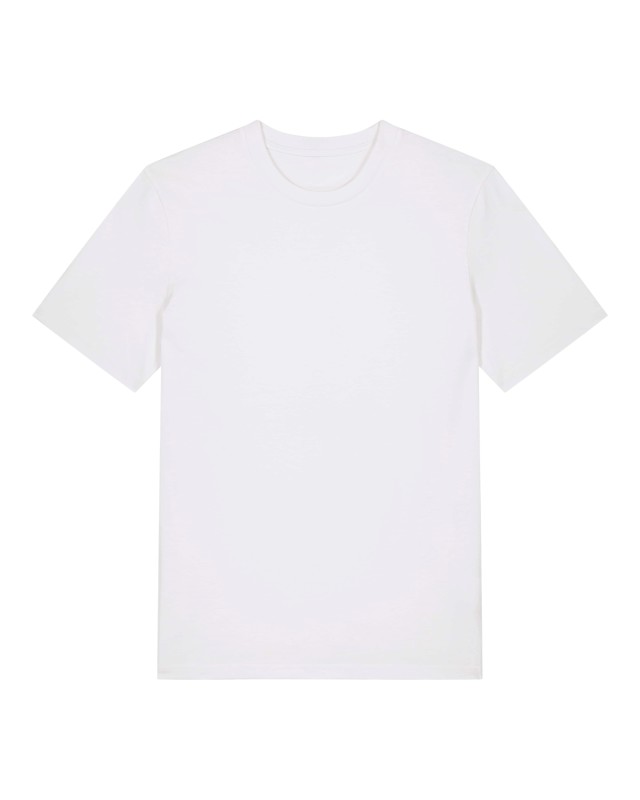
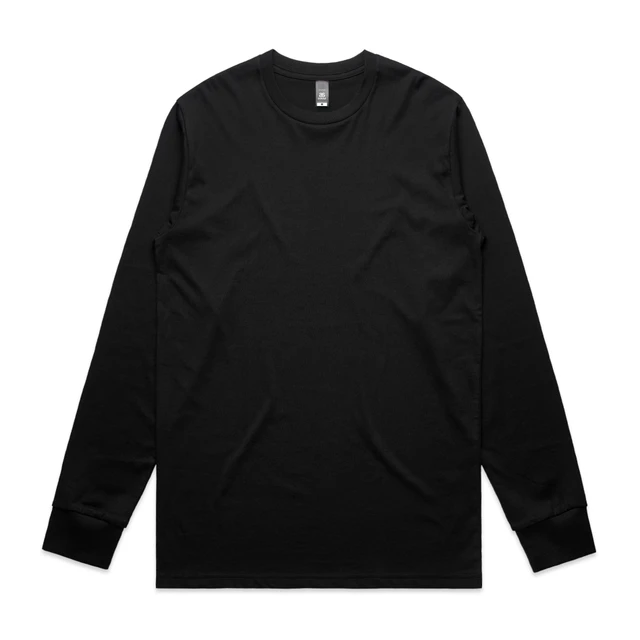
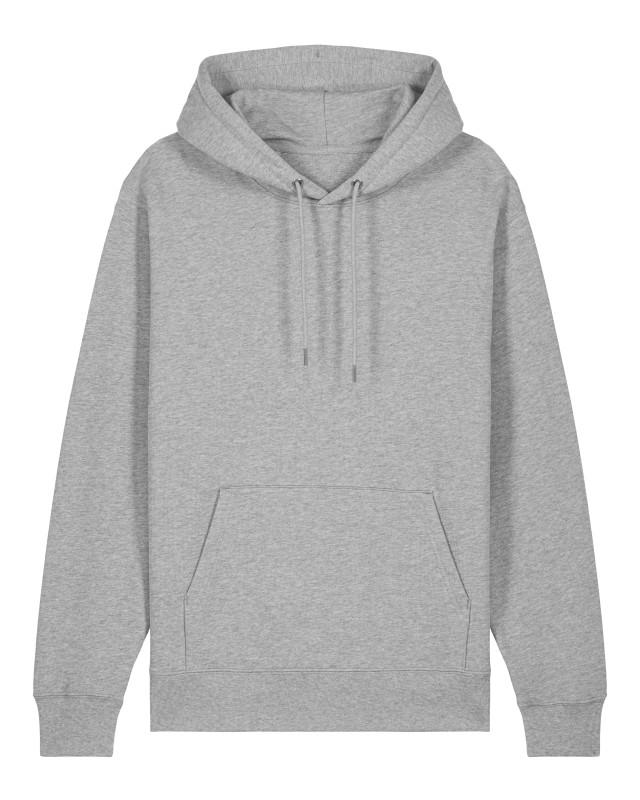
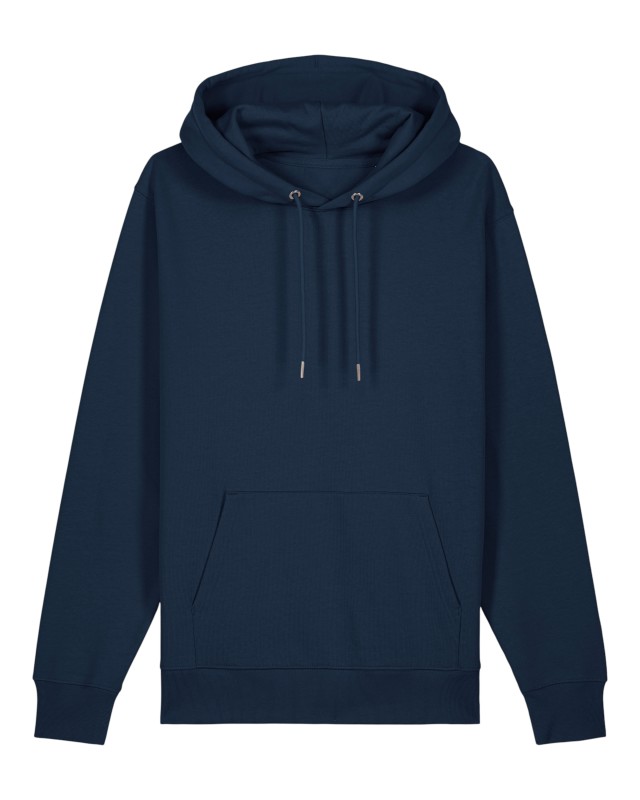
Real blanks your customers can actually order.
All 2510 products
Why PwrMockup
Built for print accuracy, not just good looks.
True physical scale
Every product is calibrated in millimetres. A 3 cm logo stays 3 cm when you change view, colour or garment size.
Front, back and sleeves
Add several placements to one project and switch between front, back and sleeve views without losing any of them.
Presets and snapping
Start from common print positions, then fine-tune freely. Guides snap to the centre and other artwork, and arrow keys nudge by 1 mm.
PDF spec sheet
Hand production a one-page-per-view sheet with the rendered mockup, artwork dimensions and placement measurements.
Packaging too
Put your logo on the top, front or sides of a kraft carton, shown in 3D so the texture and construction read clearly.
Clean exports
No watermarks, handles or rulers over your artwork. Transparent PNG for decks and web shops, JPEG for email.
Saved in your browser
Work autosaves on your device as you go. Close the tab and pick up where you left off, no sign-up required.
Endorr Cloud
Sign in with Endorr to open artwork straight from Endorr Cloud and save finished mockups back to it.
Questions, answered.
Do I need to sign up?
No form and no password. Pick a product and start right away. Your work autosaves in your browser, and PNG and JPEG downloads up to 2400 px are free.
How accurate are the sizes?
Each product is calibrated from its size chart and measured sample, so artwork is placed at its real size in millimetres. It is a realistic preview, not a print proof: fabric stretch, garment tolerances and print technique can still cause small differences.
Which file types can I upload?
PNG, JPEG and SVG. Transparent padding around your artwork is trimmed automatically so the size you enter matches the visible design. PDF artwork import is coming later.
Which products are available?
2,509 AS Colour, Stanley/Stella, Craft, Clique, Jobman, Cutter & Buck and THClothes tees, polos, long sleeves, hoodies, sweatshirts, jackets, trousers, caps and bags in their full colour ranges, plus a kraft shipping carton. More brands and packaging are on the way.
What does a high-resolution download cost?
Downloads at 1200 and 2400 px are free. 4096 px exports for print-ready presentations use Endorr tokens and need you to sign in with your Endorr account.
Where is my work saved?
Projects autosave locally in your browser. You can also save a project file to your computer, or sign in with Endorr to open artwork from Endorr Cloud and save exports back to it.
Your next mockup is a minute away.
Pick a blank, drop in your logo and send your customer a visual they can trust. No password, no install.
- No password, no install
- Sizes in cm, mm or inches
- Front, back and sleeve views
- Free PNG and JPEG downloads